

 Try it now
Headline Builder
Turn what you do into a headline that tells the right people why it matters.






 Tools
Small tools. Better social selling.
For your profile, your content, and your next conversation.
Enjoy a few, and more coming soon
Tools for the profile that works before you say a word; your headline, your About, your experience, and the checks behind a first impression.
Try it nowTurn what you do into a headline that tells the right people why it matters.
 Try it now
Give your profile a clearer story, from your first impression to your next conversation.
 Coming soon
Turn your experience into an About section that reads like you, not a job description.
 Coming soon
Write experience entries that show what you owned and the results you left behind.
 Coming soon
Give a colleague a draft they can make their own, and return the favour with the same ease.
 Coming soon
Design a profile banner that backs up your headline, so the top of your profile says something useful.
 Coming soon
See how your current headline reads to the people you want to reach, and where it could work harder.
 Coming soon
Get a clear read on your profile, section by section, with the fixes that matter most first.
 Coming soon
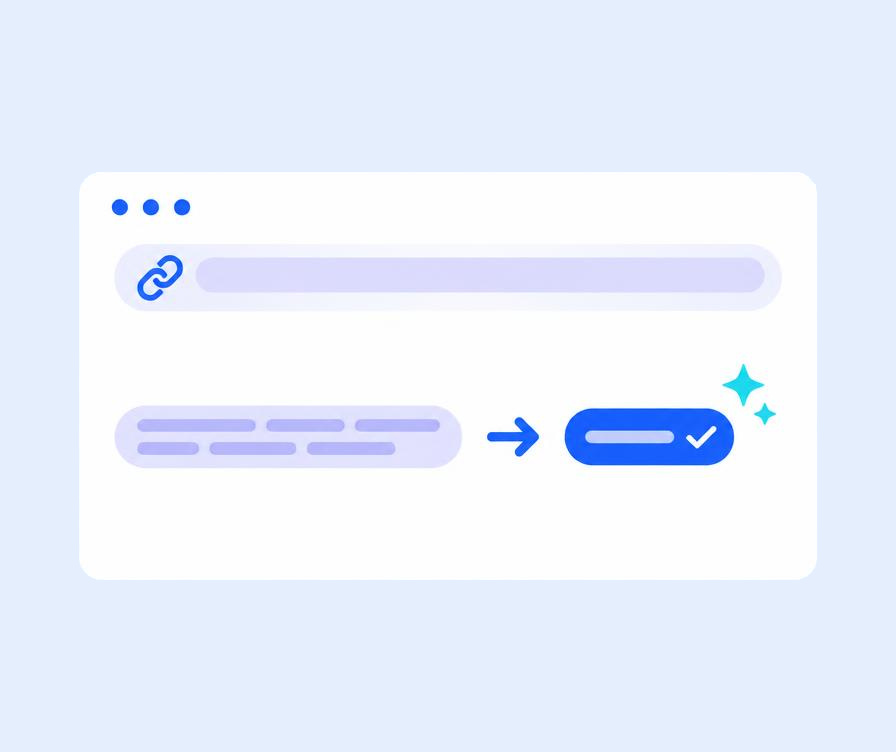
Swap the random numbers in your profile link for a clean, memorable URL that's easy to share.
Tools for the post itself; the first line, the format, the visuals, and the numbers that tell you what actually landed.
 Coming soon
Make your next post easier to read with a little more structure and emphasis.
 Coming soon
Look beyond impressions and see how your audience responds to your content.
 Coming soon
Give your ideas a slide-by-slide structure, from the opening hook to the final takeaway.
 Coming soon
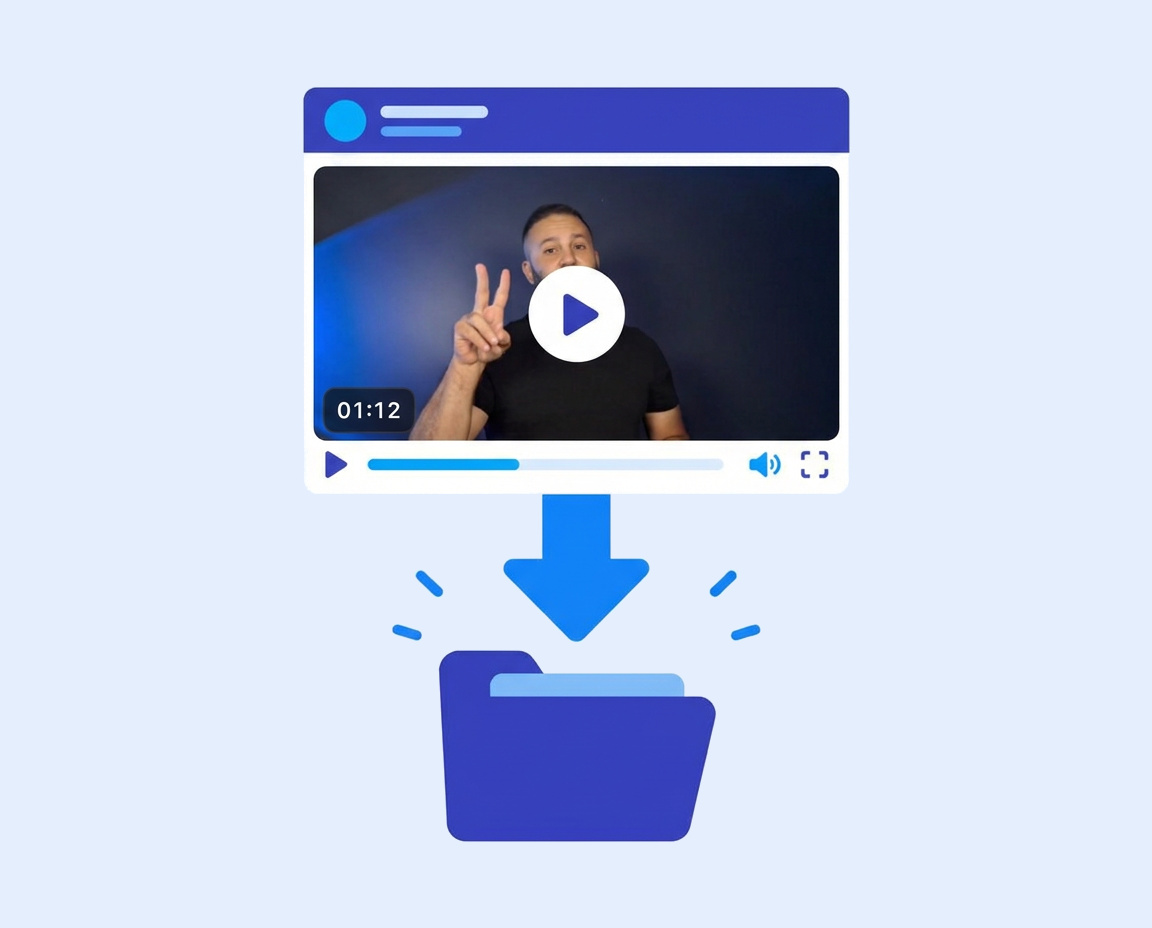
Save the videos that inspire you, so your best references are always within reach.
 Coming soon
Start with a first line worth stopping for. Test a few openers and pick the one that pulls readers in.
 Coming soon
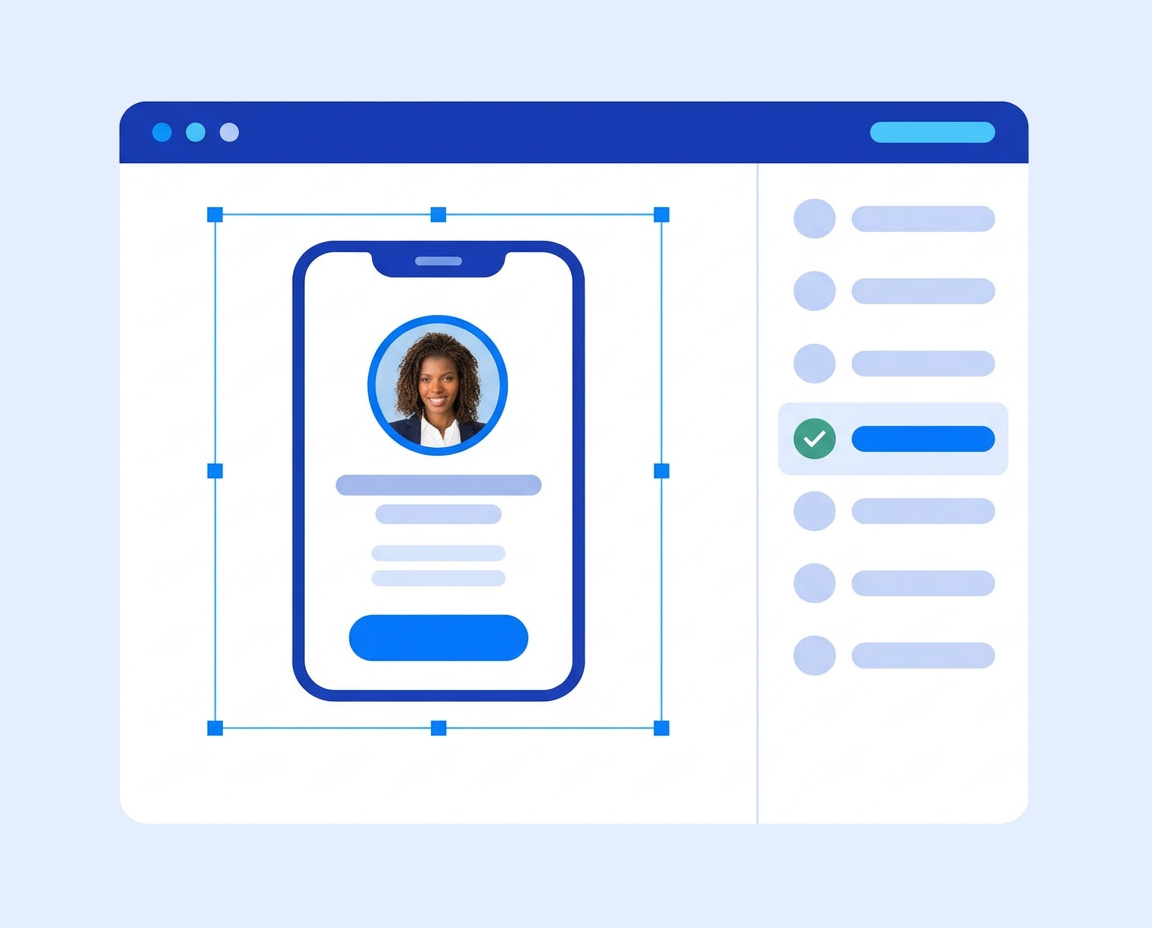
Drop your words into a clean post mockup, so you can see how it reads before you publish.
 Coming soon
Turn a strong line into a simple quote card, ready to share as an image.
 Coming soon
Get more from one good idea. Shape a post into a carousel, a comment, or a fresh angle.
 Coming soon
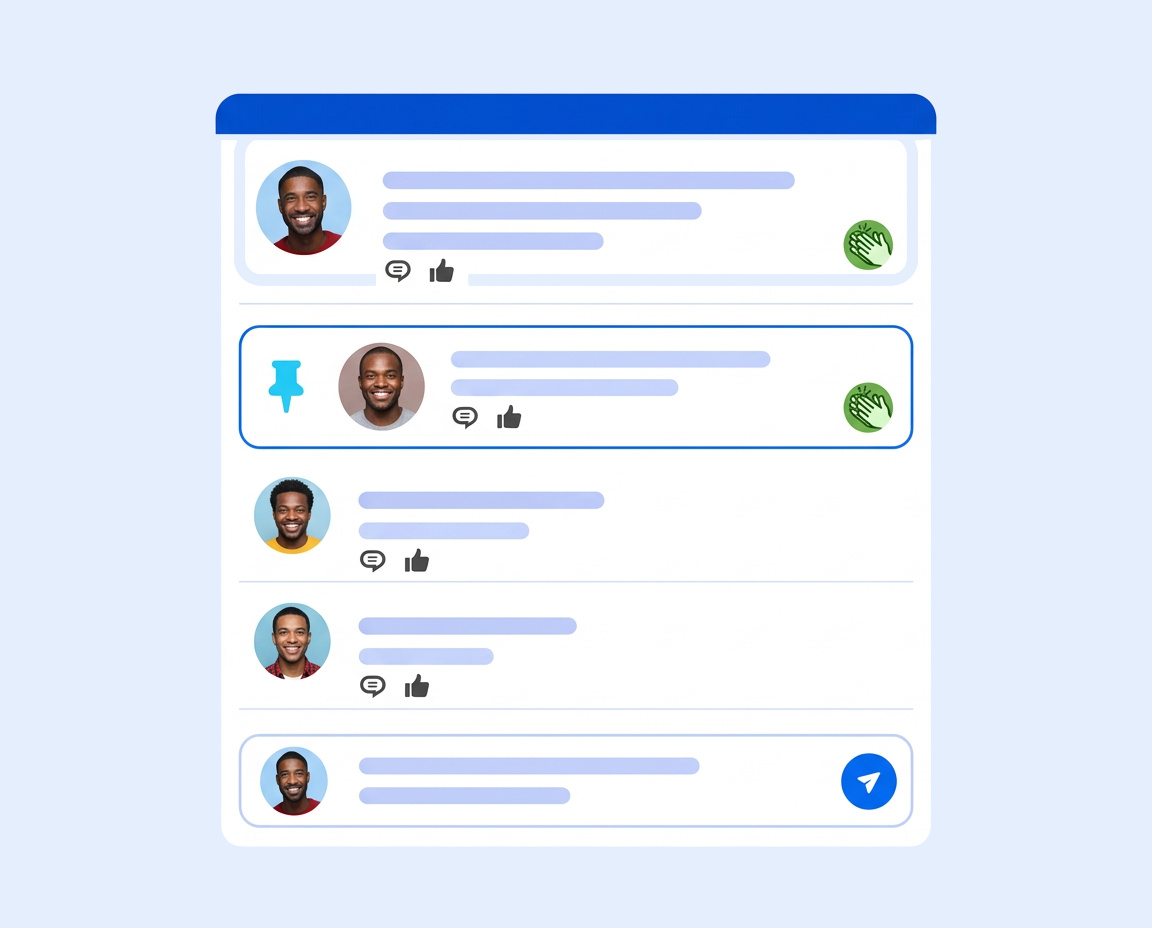
Give your post a comment worth pinning, a little more context, a clear next step, and a reason to keep the thread going.
 Coming soon
Describe your image in a line or two, so it reads well to a screen reader and shows up where it should.
 Coming soon
Grade a draft before you post it, from the opening line to the call to action.
 Coming soon
Plan a steady rhythm of posts, so showing up every week feels doable instead of daunting.
 Coming soon
End your post with a clear next step, an ask that invites a reply instead of a scroll past.
 Coming soon
Check that your post uses the words your audience actually searches for, so it keeps getting found.
 Try it now
Write a post once and get a link that opens LinkedIn® with it already drafted for whoever clicks.
Tools for the conversation side; knowing who is worth a note, and writing one that is worth replying to.
 Coming soon
Find a more natural way to start a relevant conversation. Less pitch. More connection.
 Coming soon
Check your ideal customer profile against real signals, so your outreach goes where it can actually land.
 Coming soon
Say something worth replying to. A short, human note that opens a conversation without a pitch.
 Coming soon
Turn a rough idea of who you're looking for into a clean search string, so you find the right people instead of more people.
 Coming soon
Leave comments that add to the conversation, so the right people notice you before you ever message them.
 Coming soon
Pull together what matters about a prospect, so your first message is relevant from the first line.
 Coming soon
Turn your ideal customer into the right set of filters, so your lead lists start focused.
 Coming soon
Find the industries where your offer fits best, so you spend your time where the demand already is.
 Coming soon
Get a short, natural script for your next voice or video note, so you sound like yourself, not a pitch.
 Coming soon
Ask happy clients and contacts for an intro in a way that feels easy to say yes to.
 Coming soon
Map out a thoughtful series of touches, from connection request to follow-up, without turning into spam.
In the meantime
The thriisum. 3 social selling tips in under 3 minutes a week. A little help for your branding, content, and conversations.
What the F.A.Q.
Beyond the tools
Put your branding, content, and conversations to work together in the Thrii cohort.
Explore the cohort